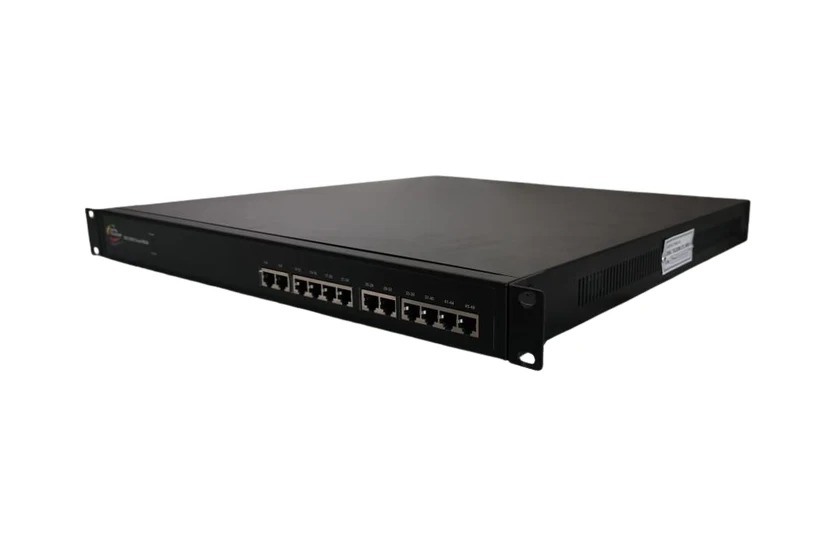
IRIS IVDX Cloud MGW 48P
Connect analogue extensions and trunks to an IP network.
Enterprise communications
Bridge supported analogue lines and digital trunks to the Coral IP telephony platform with IRIS IVDX media gateways.
A media gateway lets an organisation connect selected existing telephone lines or trunks to an IP-based communication platform. Coral IRIS IVDX Cloud gateways provide interworking options for enterprise telephony migrations that need to retain useful legacy interfaces.
FXS, FXO and E1/PRI serve different roles. Identify whether the requirement is an analogue extension, an analogue trunk or a digital trunk before selecting a gateway. Coral’s catalogue range includes 48P, 288P, 8S8O and PRI variants for different interface and capacity needs.
The gateway works with the configured SIP/IP call-control environment. Numbering, routing, codec choices, signalling, recording and management should be planned with the PBX and the connected network rather than treated as an isolated hardware purchase.
Document which users and trunks move first, which legacy circuits remain and how calls are tested during changeover. Confirm power, rack space, redundancy expectations and the actual interface count for the selected model.
Connect analogue extensions and trunks to an IP network.
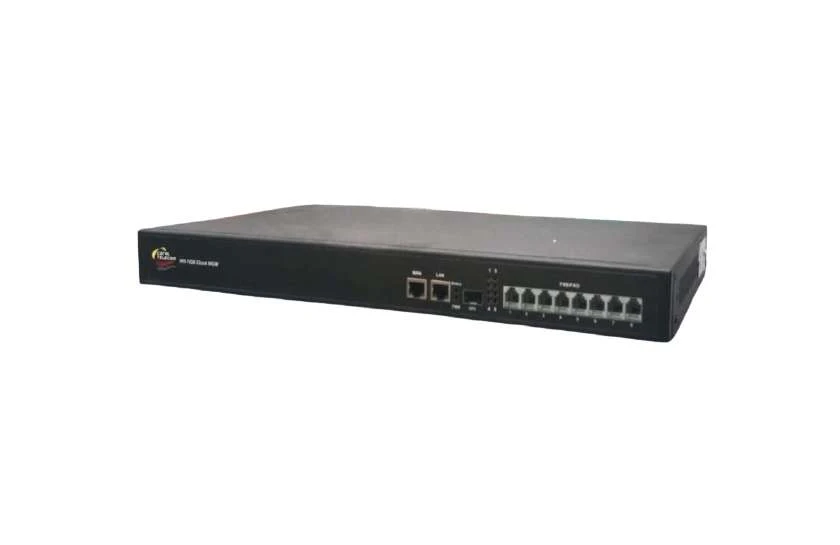
Bridge FXS and FXO endpoints into enterprise IP telephony.
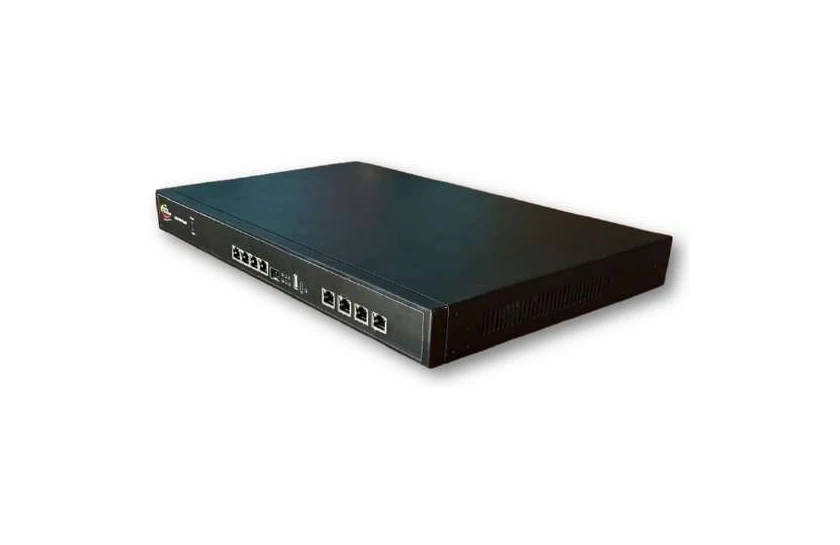
Connect E1/PRI trunks with SIP networks.
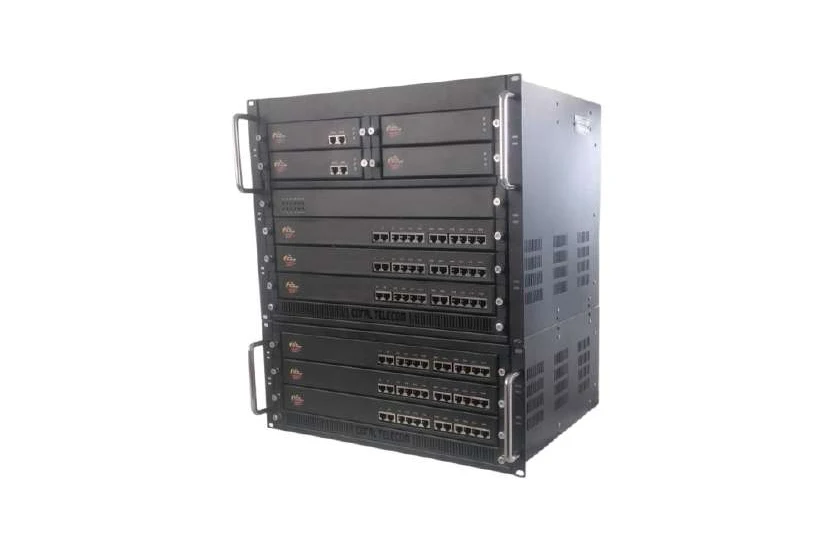
Connect high-density legacy voice lines to an IP network.
Choose a model with the required FXS interface capacity for the extension devices. Confirm electrical and signalling requirements against the selected gateway specification.
The PRI gateway variant is intended for digital-trunk interworking with the configured IP platform. Signalling compatibility, clocking and channel requirements must be confirmed.
Contact Anil Nagpal for solution planning, catalogue information and deployment requirements.
Enquire about this solution